
4K IPTV USA: What You Need for a Sharp, Smooth Picture
Updated November 2026 · 6 min read
Searching for 4K IPTV USA options usually starts with one question: will the picture really look sharp on my TV? Ultra HD can look excellent, but only when the stream, your internet connection and your device all support it.
This guide explains what 4K IPTV is, what you need at home, how much speed to plan for, and which mistakes cause blurry or buffering video. You will also see how to test a service before you pay.
What 4K IPTV Means for Viewers in the USA
4K, also called Ultra HD, has four times as many pixels as standard Full HD. On a large TV, that extra detail shows up in sports, nature programs and movies. IPTV delivers video over the internet instead of a satellite dish or cable box, so the quality you see depends on the stream itself and on your home network.
For most households, 4K IPTV USA streaming is a mix of true Ultra HD channels and many HD channels. A good service tells you honestly which content is available in 4K and which is not. Be careful with any provider that promises every channel in Ultra HD, because the original broadcast is often not produced in that quality.
Internet Speed You Need for 4K IPTV USA Streaming
A common rule of thumb is to plan for 25 Mbps for each 4K stream, although many services work with less when the video is well compressed. If several people stream at once, add the speed for each screen and leave extra room for phones, laptops and game consoles.
Use this quick checklist before you blame the service:
- Run a speed test on the same device you watch on.
- Use an Ethernet cable if your TV or box has a port.
- Keep the router in the same room, or use a 5 GHz Wi-Fi band.
- Pause large downloads while you watch live sports.
Wi-Fi is the most common cause of poor Ultra HD playback, not the stream.
Devices That Handle 4K IPTV Well
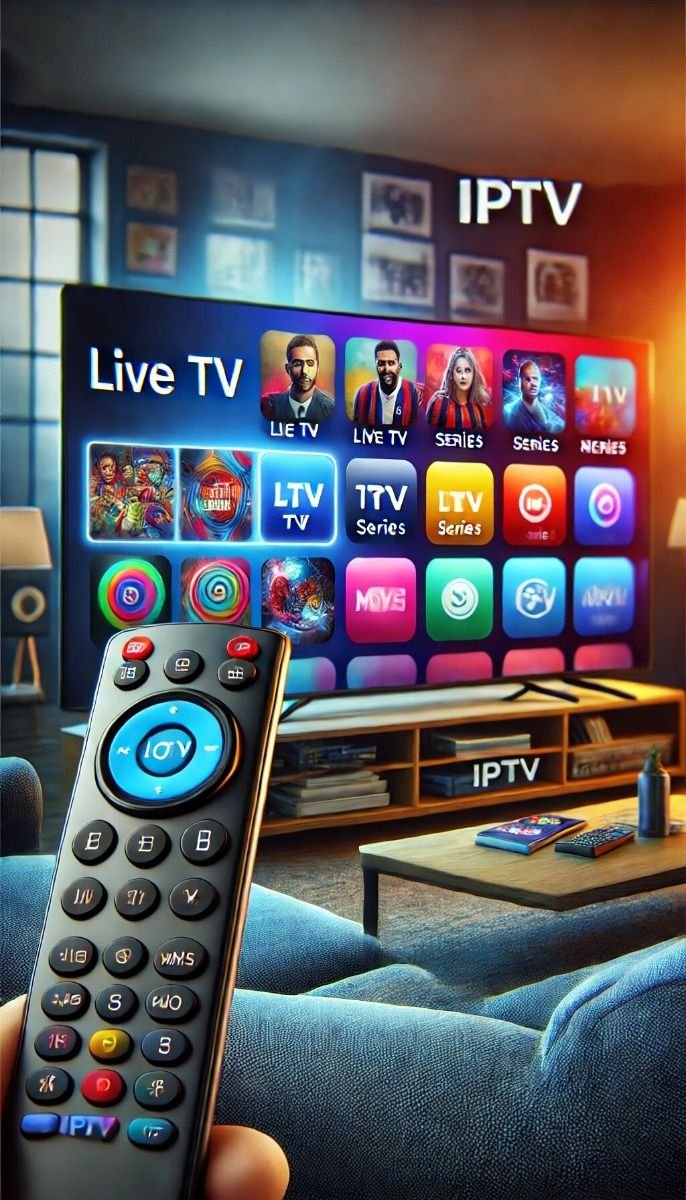
Your device must decode the video and output it to your TV in Ultra HD. Most modern streaming devices can do this, but older sticks and budget boxes may struggle.
- Amazon Fire TV Stick 4K and 4K Max
- Android TV and Google TV boxes
- Apple TV 4K
- Recent smart TVs from major brands
Use an HDMI cable that is rated for 4K, and plug it into the HDMI port on the TV that supports Ultra HD. If you are not sure which app to install, read our best IPTV player guide or the setup steps for IPTV on Firestick.
Why Not Every Channel Is Really 4K
Many channels are broadcast in HD and upscaled by your TV or player. Upscaling can look cleaner than the original, but it is not the same as native Ultra HD. Native 4K is most common for selected sports events, movies and on-demand titles.
Availability also depends on content rights and the source feed, so it can change over time. The honest question to ask any provider is simple: which channels and movies are native 4K today, and how often is that list updated?
How to Test Picture Quality Before You Subscribe
The safest way to judge a 4K IPTV USA service is to try it on your own TV and your own internet connection. Follow these steps:
- Ask for a free trial and install it on your main viewing device.
- Test a live sports channel, a movie and a fast-moving program.
- Watch at the busiest time of the evening, not only in the morning.
- Check that the sound stays in sync and that channels change quickly.
- Note any buffering, then repeat the test on Ethernet.
If the trial runs smoothly in the evening, you have a good sign. If it does not, ask support for help before paying. You can message us on WhatsApp for a trial and setup help.
TV and Player Settings That Improve the Picture
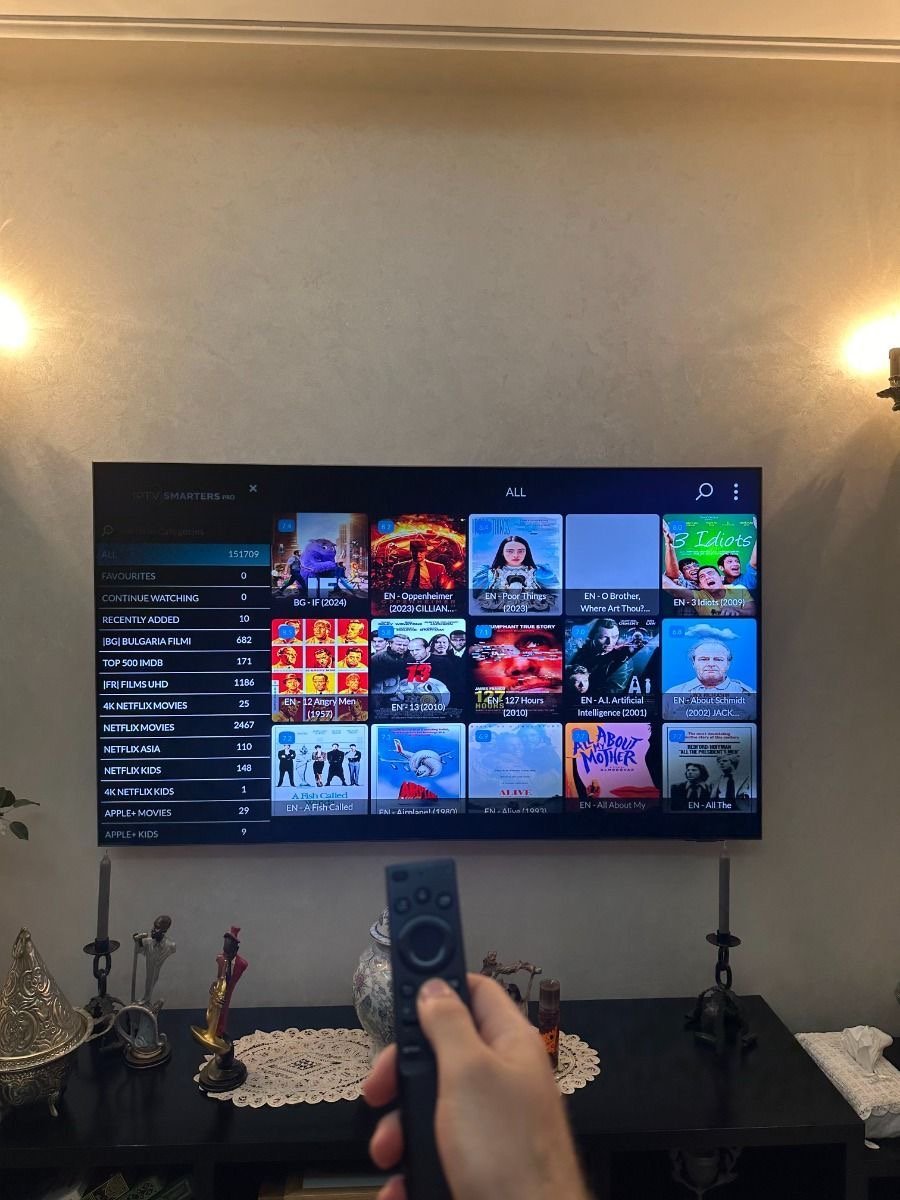
Even a perfect stream can look soft if the settings are wrong. Spend ten minutes checking these options once, and your 4K IPTV USA viewing will usually improve.
- Turn on the highest resolution in the player app and in the device display settings.
- Set the TV to Movie, Cinema or Filmmaker mode, and switch off extra motion smoothing for films.
- Enable HDR only if your TV and the stream both support it.
- Keep the device and the TV software up to date.
If you use a soundbar, connect it through the HDMI ARC port so that the sound and the picture stay in sync. A short test with the same channel before and after each change will show you what really made a difference.
Common Problems With 4K Streams and Quick Fixes
Most problems are easy to fix once you know where to look.
Buffering or freezing
Lower the resolution for a moment, move closer to the router or switch to Ethernet. Our guide to IPTV buffering explains each step in detail.
Blurry picture
Check the app and TV settings. Some players default to a lower quality until you select the highest option.
No 4K option on screen
Confirm that the HDMI port, cable and TV all support Ultra HD and HDR, then restart the device.
4K IPTV USA Plans and Pricing
Every plan includes the same service, so you can pick the length that fits your budget. Longer plans cost less per month.
- Live TV, sports and VOD
- HD and 4K where available
- WhatsApp support
- Live TV, sports and VOD
- HD and 4K where available
- WhatsApp support
- Live TV, sports and VOD
- HD and 4K where available
- WhatsApp support
What Every Plan Includes
- 45,000+ Live TV Channels
- 170,000+ Movies & Series On-Demand
- Premium Channels & Pay-Per-View (PPV) where legally available
- Catch-Up TV & Electronic Program Guide (EPG)
- 4K / Ultra HD Streaming Quality
- 99.9% Server Uptime for Reliable Viewing
- Anti-Freeze Technology for Smooth Playback
- Compatible with All Devices (Smart TVs, Android, iOS, Windows, etc.)
- 24/7 Technical Support
- Catch-Up / EPG for All European Channels
The package figures above are marketing package specifications and may vary from the broader service catalog depending on the plan, content availability, and technical conditions.
The 1-month plan costs $15.99. The 3-month plan costs $29.99 (about $10.00 per month), the 6-month plan costs $39.99 (about $6.67 per month), and the 12-month plan costs $59.99 (about $5.00 per month). You can start with a free trial before you choose.
Frequently Asked Questions About 4k iptv usa
Do I need a special TV for 4K IPTV USA streaming?
You need a TV and a device that both support Ultra HD. Most TVs sold in recent years do, but check the specifications and use an HDMI port and cable rated for 4K.
How much internet speed do I need for 4K IPTV?
A common guideline is about 25 Mbps for each 4K stream. If more than one screen is in use, add the speed for each one and leave extra room for other devices.
Why does my 4K IPTV stream buffer in the evening?
Evening is when home networks and providers are busiest. Wi-Fi interference is the usual cause, so try Ethernet, a 5 GHz band or a lower quality setting.
Are all IPTV channels available in 4K?
No. Many channels are HD and upscaled. Native Ultra HD is limited to selected channels and on-demand titles, and availability can change.
Can I try a 4K IPTV service before I pay?
Yes. Ask for a free trial and test it on your own TV, at your own busy hours, before choosing a plan.
Final Thoughts on 4K IPTV USA Viewing
Good Ultra HD streaming comes from three things working together: a fast, stable home network, a capable device and an honest provider. Test before you pay, use a cable when you can, and expect a mix of native 4K and HD content.
If you want to see how it looks on your own TV, ask for a free trial on WhatsApp and we will help you set it up.
Message us for a free trial and see it on your own screen.
💬 Start on WhatsAppImportant: IPTV players are applications used to play content. IPTV technology is legal, but the legality of specific channels and content depends on licensing and local laws. Channel availability, streaming quality, and app features may vary by device, location, subscription, and internet connection. Customers should only access content they are legally entitled to view.