
Best IPTV Player: How to Choose the Right App for Your Device in 2026
Updated October 2026 · 10 min read
Finding the best IPTV player is one of the most important steps in setting up a smooth streaming experience. The player is the app on your Smart TV, Firestick, phone, or computer that displays your channels, program guide, and on-demand library. A good one makes everything faster and easier. A poor one can make even a great service feel frustrating.
The problem is that there are dozens of apps to choose from, and the best IPTV player for one device is often not the best choice for another. A player that works well on an Android box may not be available on a Samsung TV, and an app that is perfect for a laptop may be too complicated for the living room.
In this guide, we explain what an IPTV player does, what to look for, which apps are commonly used on each type of device, and how to set everything up. We also introduce our IPTV service, which offers more than 46,000 live TV channels and 180,000 movies and series, subject to availability and content rights, and works with all the popular players.
Message us for a free trial and see it on your own screen.
💬 Start on WhatsAppWhat Is an IPTV Player?
An IPTV player is a software application that plays IPTV content. It does not usually provide channels on its own. Instead, you enter the login details or playlist information supplied by your IPTV provider, and the player loads your live channels, movies, series, and program guide.
This is why the player and the service are two separate choices. The service decides what content is available. The player decides how that content looks, how easy it is to browse, and how smoothly it plays on your device.
Why Choosing the Best IPTV Player Matters
The player you use affects almost every part of your daily viewing. It controls how quickly channels open, how clear the program guide is, how easy it is to search for movies, and how stable playback feels.
Choosing the best IPTV player for your setup can also save you time. When the app matches your device, installation is simple, the interface feels natural, and you spend more time watching and less time troubleshooting.
What Makes the Best IPTV Player?
Every viewer has different needs, but the following points matter for almost everyone.
Device Compatibility
The best IPTV player is one that is officially available for your device, whether that is a Samsung or LG Smart TV, a Firestick, an Android box, an iPhone, or a Windows laptop.
A Clean, Easy Interface
Look for an app that is simple to navigate with a TV remote or touchscreen, with clear categories for live TV, movies, and series.
EPG and Catch-Up Support
An Electronic Program Guide shows what is on now and what is coming next. If you want Catch-Up TV, make sure the player supports it.
Stability and Performance
A good player opens channels quickly, handles large channel lists without freezing, and recovers smoothly if your connection drops for a moment.
Flexible Login Options
Many players accept a username and password, a playlist link, or both. Choose one that supports the method used by your provider.
Regular Updates and Support
Active development means bug fixes, new features, and compatibility with new device software. Always download apps from official sources.

Best IPTV Player by Device
The right app depends heavily on where you plan to watch. Here is how the choice usually works for each device. Availability changes over time, so always check your device's app store.
Smart TVs: Samsung, LG, Sony, Philips and Toshiba
Smart TVs rely on the apps available in their own app stores. Players such as Smart IPTV, SET IPTV, NET IPTV, IBO Player, and Duplex Play are commonly used on supported Smart TV models. Sony, Philips, and Toshiba models that run Android TV or Google TV usually offer a wider selection.
Firestick and Android Box
Android-based devices offer the most choice. Many viewers use TiviMate or IPTV Smarters Pro on Firestick and Android boxes, because both are known for a clear interface and good playlist management.
Apple TV, iPhone and iPad
Apple devices use apps from the App Store. IPTV Smarters Pro and several other players are available for Apple platforms, depending on your device and region.
Windows and Laptop
For computers, you can use a compatible desktop player, and some players also offer Windows versions. This is a good option for travel or for watching on a second screen.
MAG Box and Formuler Box
MAG and Formuler devices are built for IPTV. They use their own portal or built-in application settings, so you configure the service directly on the device instead of installing a separate player.
Best IPTV Player Options That Work With Our Service
Our service is compatible with the most popular IPTV applications, depending on your device and operating system:
- IPTV Smarters Pro
- IBO Player
- IBO Player Pro
- TiviMate
- Bob Player
- Duplex Play
- SET IPTV
- NET IPTV
- VU Player Pro
- Smart IPTV
- Hot Player
- And other compatible IPTV applications
IPTV Smarters Pro
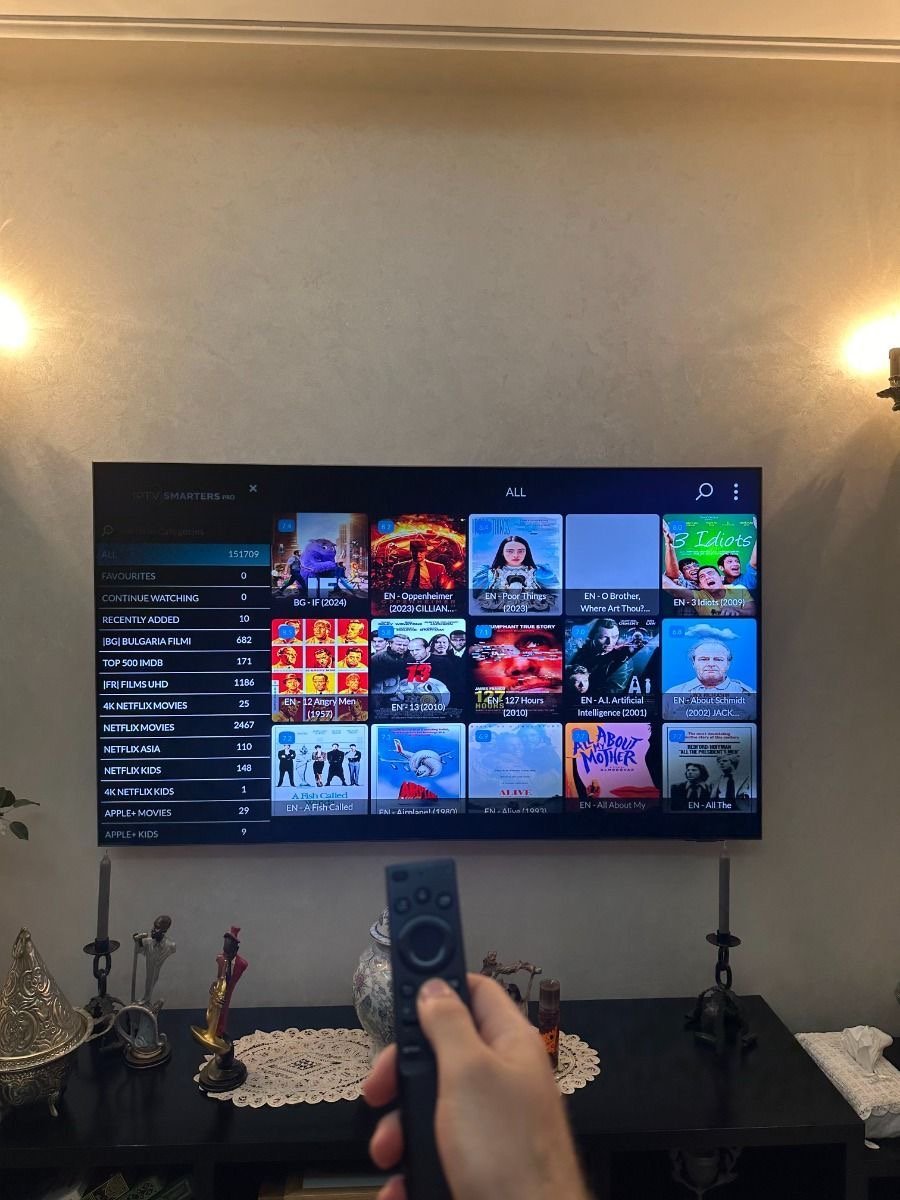
IPTV Smarters Pro is a widely used player available on many platforms. It is popular for its straightforward login screen and its clear separation of live TV, movies, and series.
TiviMate
TiviMate is a favorite among Android TV and Firestick users. It focuses on live television, with a polished channel list and a program guide that is easy to read. Some advanced features may require a paid upgrade.
IBO Player and IBO Player Pro
IBO Player and IBO Player Pro are commonly used on supported Smart TVs and other platforms. Setup usually involves registering your device and adding your service details.
Smart IPTV, SET IPTV and NET IPTV
These are Smart TV applications that many viewers use on Samsung, LG, and other supported televisions. Some of them may require an activation step, so check the current requirements of each app.
Bob Player, Duplex Play, VU Player Pro and Hot Player
These players give you additional options when your first choice is not available for your device. Features and availability vary, so ask our support team if you want a recommendation for your specific TV or box.
Our IPTV Service: Works With the Best IPTV Player You Choose
A great player needs a great service behind it. That is why we built our service around reliability, quality, and support.
When you subscribe, you can pair our service with the best IPTV player for your device and enjoy:
- 46,000+ live TV channels, subject to availability and content rights
- 180,000+ movies and series on demand
- HD, Full HD, and 4K / Ultra HD streaming where supported
- Catch-Up TV and an Electronic Program Guide (EPG)
- Anti-freeze technology for smoother playback
- Target 99.9% server uptime
- Strong protection for a stable service environment
- Automatic updates every day
- Fast technical support, 24/7
- A 30-day money-back guarantee, subject to the applicable terms
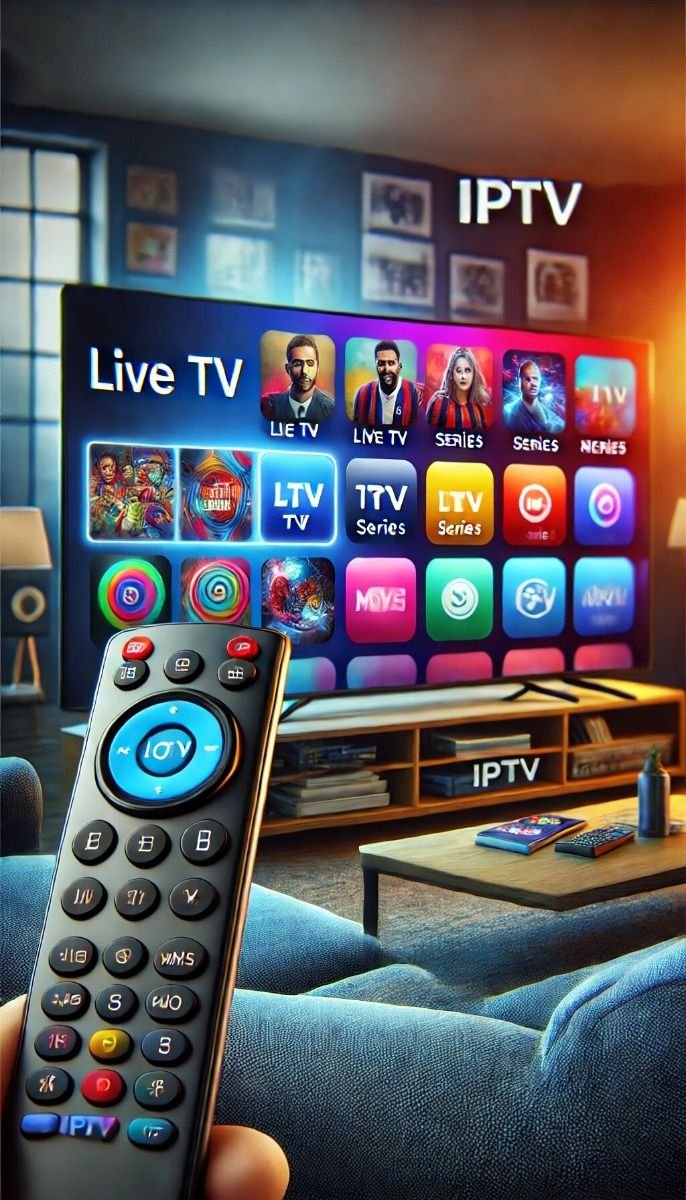
Best IPTV Player Packages and Pricing
Whichever player you choose, the plan is simple. Pick the subscription length that suits you. Longer plans give you a lower monthly cost.
- Live TV, sports and VOD
- HD and 4K where available
- WhatsApp support
- Live TV, sports and VOD
- HD and 4K where available
- WhatsApp support
- Live TV, sports and VOD
- HD and 4K where available
- WhatsApp support
What Every Plan Includes
- 45,000+ Live TV Channels
- 170,000+ Movies & Series On-Demand
- Premium Channels & Pay-Per-View (PPV) where legally available
- Catch-Up TV & Electronic Program Guide (EPG)
- 4K / Ultra HD Streaming Quality
- 99.9% Server Uptime for Reliable Viewing
- Anti-Freeze Technology for Smooth Playback
- Compatible with All Devices (Smart TVs, Android, iOS, Windows, etc.)
- 24/7 Technical Support
- Catch-Up / EPG for All European Channels
The package figures above are marketing package specifications and may vary from the broader service catalog depending on the plan, content availability, and technical conditions.
The 1-month plan costs $15.99. The 3-month plan costs $29.99 (about $10.00 per month), the 6-month plan costs $39.99 (about $6.67 per month), and the 12-month plan costs $59.99 (about $5.00 per month). Whichever plan you choose, you can use it with the best IPTV player for your device.
How to Set Up the Best IPTV Player
Setup takes only a few minutes on most devices.
Step 1: Choose Your Plan
Select a 1-month, 3-month, 6-month, or 1-year subscription and message our team.
Step 2: Receive Your Details
After activation, we send your subscription information and setup instructions.
Step 3: Install Your Player
Open your device's app store and install a compatible player, such as IPTV Smarters Pro, TiviMate, IBO Player Pro, or Smart IPTV.
Step 4: Enter Your Login Information
Open the app and enter your username and password or your playlist information, exactly as supplied.
Step 5: Start Watching
Let the app load your channels and library, then pick something to watch. If you need help, our support team is available 24/7.
Tips to Get the Best Performance From Any IPTV Player
A few simple habits make every player work better:
- Use an Ethernet cable when your device supports it, because a wired connection is often more stable than Wi-Fi.
- Keep both the app and your device software updated.
- Restart your router and streaming device if playback becomes unstable.
- Avoid heavy downloads on the same network while streaming in 4K.
- Clear the app cache if the interface becomes slow.
- Use only apps from your device's official store.
Common IPTV Player Problems and How to Fix Them
Even the best IPTV player can have occasional issues. Most of them are easy to solve.
Buffering or Freezing
Check your internet speed, restart your router, and move closer to your Wi-Fi signal or switch to Ethernet. Anti-freeze technology helps, but your own connection still matters.
Login Errors
Re-enter your details carefully and make sure there are no extra spaces. Capital letters and similar-looking characters are a common cause of mistakes.
The App Crashes or Will Not Open
Restart the device, update the app, and reinstall it if needed. If the problem continues, try a different compatible player.
Missing Program Guide
EPG data can take a little time to load the first time. Refresh the guide in the app settings, and contact support if it does not appear.
24/7 Support and a 30-Day Money-Back Guarantee
Choosing a player should not be stressful. Our technical support team is available around the clock to help with installation, login details, device compatibility, and everyday troubleshooting, whether you use a Samsung TV, a Firestick, an Android box, a MAG box, or a laptop.
We also offer a 30-day money-back guarantee, subject to the applicable terms and conditions. Please review the refund conditions before you purchase so you know what is covered.
Frequently Asked Questions About the Best IPTV Player
What is the best IPTV player?
There is no single best IPTV player for everyone. The right choice depends on your device. Popular options include IPTV Smarters Pro, TiviMate, IBO Player Pro, and Smart IPTV, and our service works with all of them.
Is an IPTV player the same as an IPTV service?
No. A player is an app that plays content. A service provides the channels and on-demand library you load into the app.
Which IPTV player is best for Firestick?
Many Firestick users choose TiviMate or IPTV Smarters Pro because they are easy to use with a remote. Availability can change, so check the current options for your device.
Which IPTV player is best for Samsung and LG TVs?
Smart IPTV, SET IPTV, NET IPTV, IBO Player, and Duplex Play are commonly used on supported Samsung and LG models. The best choice depends on your TV model and software version.
Do I need to pay for an IPTV player?
Some players are free, and some offer paid upgrades or require a one-time activation. Check the details of each app before you install it.
Does your service work with every IPTV player?
Our service works with the most popular players, including IPTV Smarters Pro, IBO Player, IBO Player Pro, TiviMate, Bob Player, Duplex Play, SET IPTV, NET IPTV, VU Player Pro, Smart IPTV, Hot Player, and other compatible apps.
Does the service support 4K?
Yes, 4K / Ultra HD is supported where the source content, your device, and your internet connection allow it.
Do you offer a refund?
Yes. We provide a 30-day money-back guarantee, subject to the applicable terms and conditions.
Final Thoughts: Finding the Best IPTV Player for You
The best IPTV player is the one that is available on your device, easy for you to use, and stable with your service. Start by checking which apps your TV or streaming box supports, then try the one that fits your style.
Pair it with a service you can trust, and the experience is simple. Our IPTV service offers more than 46,000 live TV channels and over 180,000 movies and series, with 4K streaming, Catch-Up TV, EPG, anti-freeze technology, daily automatic updates, strong protection, 24/7 technical support, and a 30-day money-back guarantee.
Choose your plan today and contact our team, and we will help you pick the best IPTV player for your device.
Message us for a free trial and see it on your own screen.
💬 Start on WhatsAppImportant: IPTV players are applications used to play content. IPTV technology is legal, but the legality of specific channels and content depends on licensing and local laws. Channel availability, streaming quality, and app features may vary by device, location, subscription, and internet connection. Customers should only access content they are legally entitled to view.