
OTT vs IPTV: What Is the Difference and Which Should You Use?
Updated November 2026 · 6 min read
The terms OTT and IPTV are often mixed up, and the OTT vs IPTV question confuses many viewers. Both deliver television over the internet, so they can look the same from the couch. Behind the screen, however, they work in different ways.
In this guide we explain OTT and IPTV in simple words, compare them on cost, control, quality and devices, and help you decide which one fits your home. No technical background is needed.
What Does OTT Mean?
OTT stands for over-the-top. It describes video that travels over the open internet and does not need a cable or satellite company to carry it. Streaming apps that you install on a phone, Smart TV or streaming stick are typical OTT services.
With OTT, you usually pick a single service, pay for its library and watch whenever you like. The provider does not need to own the network that brings the video to your house, because it travels over your normal internet connection.
What Does IPTV Mean?
IPTV, or Internet Protocol Television, also sends television over an internet connection, but it is designed to behave like traditional TV. It is built around live channels, a program guide and channel numbers, together with on-demand content.
If you want a deeper explanation, read our guide on what IPTV is. In short, IPTV feels like cable television, and OTT feels like a library of apps.
OTT vs IPTV: The Main Differences
The easiest way to compare the two is to look at how you use them every day.
- Live channels: IPTV focuses on live channels in a guide, while OTT often focuses on on-demand titles.
- Interface: IPTV uses channel lists and a program guide, while OTT uses menus, search and recommendations.
- Service: OTT is usually one brand and one library, while IPTV can bring many channels in a single service.
- Network: IPTV can run on a managed network, while OTT always runs over the open internet.
Many people use both, with OTT for series and films and IPTV for live sports and news.
Cost and Contracts
Each OTT subscription is a separate monthly cost, so the total grows quickly when you add services. IPTV usually bundles many live channels into one plan, which can be cheaper if you watch a lot of live TV.
The right choice depends on how you watch. If you only follow a few series, one or two OTT apps may be enough. If you want sports, news and many live channels, one IPTV plan is usually better value. You can check our plans on the pricing page.
Picture Quality and Devices
Both options can offer HD and, in many cases, Ultra HD, as long as your internet connection and device support it. For a smooth picture, plan for about 10 Mbps per HD stream and about 25 Mbps for Ultra HD.
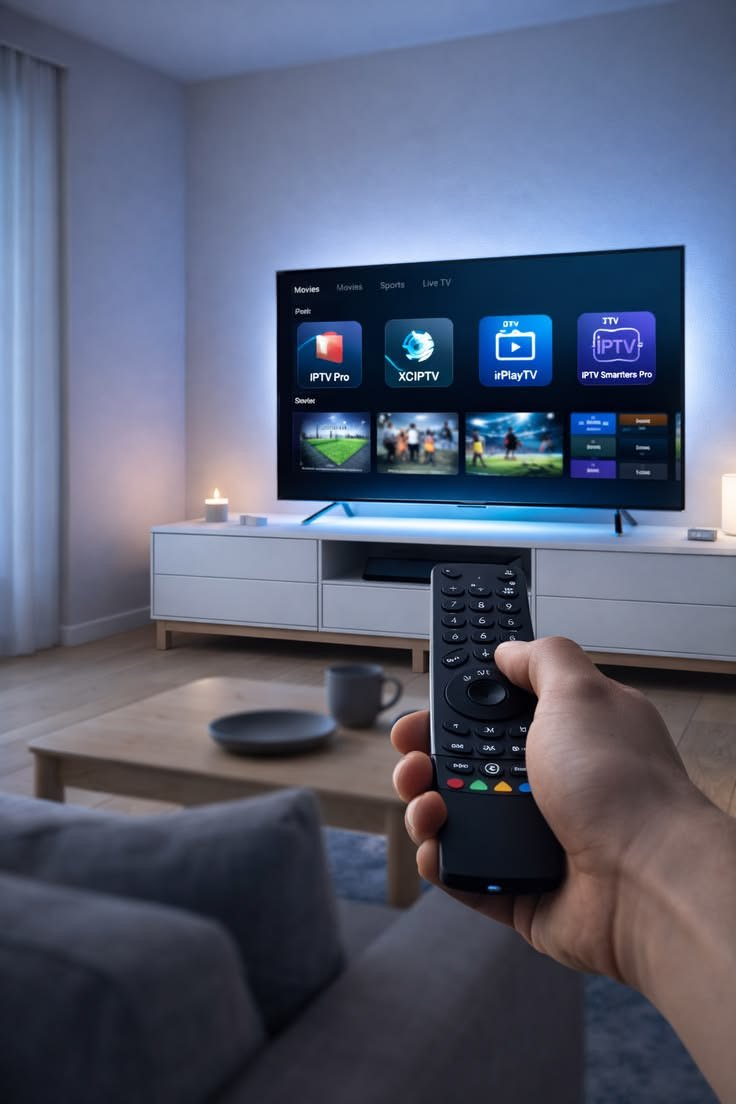
Most modern devices work with both: Smart TVs, Fire TV Stick, Android TV, Apple TV, phones and tablets. Our best IPTV player guide helps you pick an app, and our article on 4K IPTV in the USA covers speed and device advice.
A Practical Example From a Real Household
Imagine a family of four. They pay for two OTT apps for series and films, and they also want live football, news and some international channels. With only OTT, they would need to add a third and fourth subscription, and some live events would still be missing.
By adding one IPTV plan, they cover the live channels in a single guide and keep one OTT app for the shows they love. They cancel the second OTT app, because nobody used it. The result is a lower monthly total and less time spent hunting for the right app. This is a common pattern, and it shows why the ott vs iptv decision is rarely all or nothing.

Reliability and Support
Because both depend on your home internet, a weak Wi-Fi signal can cause freezing in either one. A wired connection and a modern router fix most problems. If you see freezing, our guide to IPTV buffering lists simple solutions.
Support is also different. A big OTT brand usually offers help articles and chat, while a smaller IPTV provider can offer direct help by message. Choose the style that you prefer, and test it before you commit.
Questions to Ask Before You Choose
Before you pay for anything, write down the answers to these questions:
- Which channels and events do I really watch every week?
- How many screens will be used at the same time?
- Is my internet connection fast and stable enough for streaming?
- Can I test the service on my own TV before I pay?
If the answers show that live channels are important to you, IPTV deserves a trial. If you only watch a handful of series, a single OTT app may be all you need.
OTT vs IPTV for Business and Hotels
In business settings, IPTV is common in hotels, hospitals and offices, because it can run on a private network with managed channels and room-by-room control. OTT is more common in homes, where each person picks their own apps.
If you manage a property and want to learn more, our article on hotel IPTV solutions explains the main parts of such a system.
Which One Should You Choose?
Choose OTT if you mainly watch on-demand series and films and you are happy to pay for each service. Choose IPTV if you want live channels, sports and a familiar guide in one plan. Choose both if you want the best of each world.
The best way to decide is to test. Ask for a free trial of IPTV, compare it with the apps you pay for now, and keep what you actually use.
IPTV Plans and Pricing
Our plans offer the same service on every length, and you can start with a free trial before you choose.
- Live TV, sports and VOD
- HD and 4K where available
- WhatsApp support
- Live TV, sports and VOD
- HD and 4K where available
- WhatsApp support
- Live TV, sports and VOD
- HD and 4K where available
- WhatsApp support
What Every Plan Includes
- 45,000+ Live TV Channels
- 170,000+ Movies & Series On-Demand
- Premium Channels & Pay-Per-View (PPV) where legally available
- Catch-Up TV & Electronic Program Guide (EPG)
- 4K / Ultra HD Streaming Quality
- 99.9% Server Uptime for Reliable Viewing
- Anti-Freeze Technology for Smooth Playback
- Compatible with All Devices (Smart TVs, Android, iOS, Windows, etc.)
- 24/7 Technical Support
- Catch-Up / EPG for All European Channels
The package figures above are marketing package specifications and may vary from the broader service catalog depending on the plan, content availability, and technical conditions.
The 1-month plan costs $15.99. The 3-month plan costs $29.99 (about $10.00 per month), the 6-month plan costs $39.99 (about $6.67 per month), and the 12-month plan costs $59.99 (about $5.00 per month). You can start with a free trial before you choose.
Frequently Asked Questions About Ott vs iptv
Is OTT the same as IPTV?
No. Both use the internet, but IPTV is built around live channels and a guide, while OTT is usually an app with an on-demand library.
Which is cheaper, OTT or IPTV?
It depends. Several OTT subscriptions add up, while one IPTV plan can bundle many live channels. Compare your actual monthly total.
Do OTT and IPTV need the same internet speed?
They are similar. Plan for about 10 Mbps per HD stream and about 25 Mbps for Ultra HD.
Can I use both OTT and IPTV together?
Yes. Many households use OTT apps for series and films and IPTV for live sports and news.
Which one is better for live sports?
IPTV is usually the better fit, because it is designed around live channels and a program guide.
Final Thoughts on OTT vs IPTV
OTT vs IPTV is not a fight with a single winner. OTT is great for on-demand libraries, and IPTV is great for live channels and a TV-style guide. Look at what you watch most, count the total monthly cost, and test before you commit.
If you want to try IPTV next to your current apps, message us on WhatsApp and ask for a free trial.
Message us for a free trial and see it on your own screen.
💬 Start on WhatsAppImportant: IPTV players are applications used to play content. IPTV technology is legal, but the legality of specific channels and content depends on licensing and local laws. Channel availability, streaming quality, and app features may vary by device, location, subscription, and internet connection. Customers should only access content they are legally entitled to view.
Quick Recap: Ott Vs Iptv
Whenever you compare options, keep ott vs iptv at the center of your checklist. A clear understanding of ott vs iptv saves you money and frustration. Many viewers ask us about ott vs iptv before they subscribe. Our support team can walk you through ott vs iptv step by step. If ott vs iptv matters to you, test the service on a real device first. Good advice on ott vs iptv always starts with your internet speed and your device. Remember that ott vs iptv looks different for every household. That is why we explain ott vs iptv in plain language.
Before you decide, read this guide on ott vs iptv once more. Ask yourself how ott vs iptv fits your daily viewing habits. With the right setup, ott vs iptv becomes simple for everyone. Our team keeps this ott vs iptv guide updated as things change. For most US households, ott vs iptv is the first question to answer. Take a moment to review ott vs iptv again before you pay. Whenever you compare options, keep ott vs iptv at the center of your checklist.