
Test Free IPTV: How to Try a Service Before You Pay (Step by Step)
Updated November 2026 · 5 min read
The smartest way to choose a streaming service is to test free IPTV before you spend any money. A free trial shows you the things marketing pages cannot: how fast channels open, how the picture holds up in the evening and how quickly support answers a real question.
This guide explains how to test free IPTV properly, what to check in each step, what mistakes make a trial useless and how to request a trial from IPTV Stream Plus. Use the same method on any provider you compare.
Why You Should Test Free IPTV First
IPTV providers can look identical on paper. They all promise thousands of channels, HD and 4K and great support. The only reliable way to know the truth is to use the service yourself on your own device and your own internet connection.
A trial also protects your money. If the service does not meet your needs, you move on without any cost. If it does, you choose a plan with confidence instead of hope.
How to Request a Free Trial
Requesting a trial should be simple. At IPTV Stream Plus, you message us on WhatsApp from the Free Trial button on our site and tell us your device. We send your login details and help you set up.
Be careful with any provider that asks for payment details just to start a trial, or that makes the process complicated. A good provider keeps it easy and answers your questions along the way.

Six Smart Steps to Test Free IPTV
Step 1: Install the player app
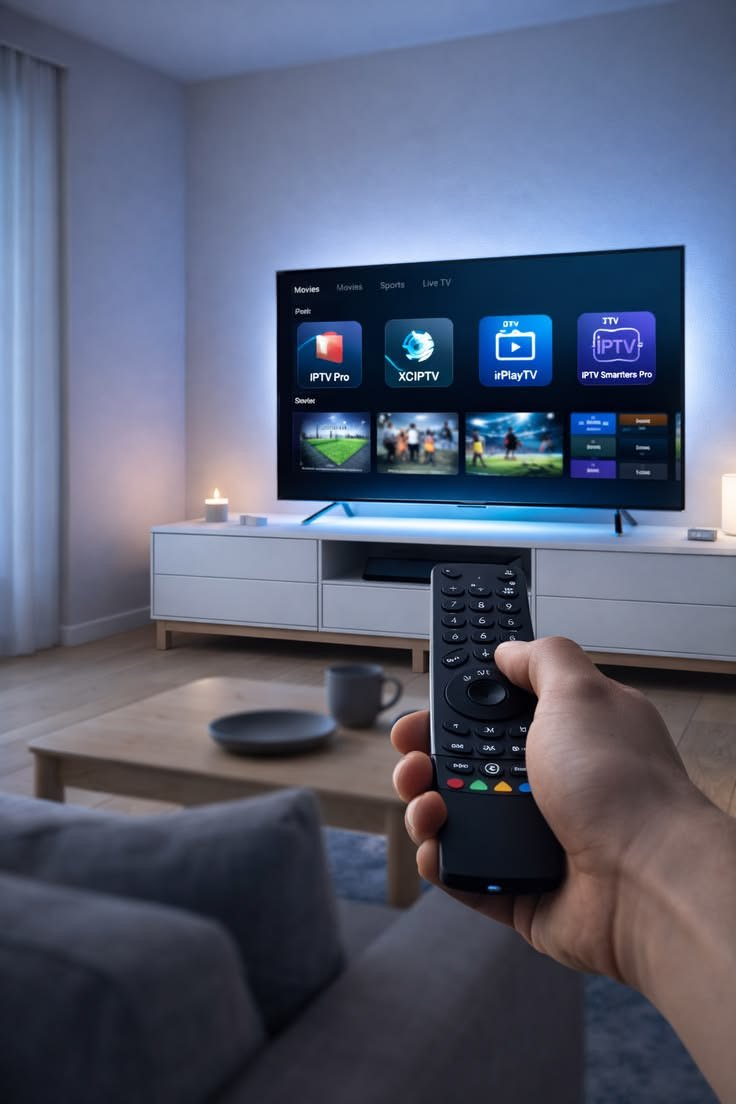
Use the device you will watch on most. Install a player app such as IPTV Smarters Pro or TiviMate and load your details. Our guide to the best IPTV player helps you choose.
Step 2: Check your channels
Write down ten channels you actually watch and confirm each one is present and plays correctly.
Step 3: Test at peak time
Stream on an evening or weekend, when networks are busiest. This reveals stability problems that a quiet morning hides.
Step 4: Try on-demand content
Play a movie and a series episode. Test pause, rewind, forward and search.
Step 5: Check the TV guide
Confirm that the guide loads, shows the right times and lets you browse by category.
Step 6: Message support
Send a real question and note how fast and how clearly the team replies.
A Simple Trial Checklist You Can Copy
Copy this list into your notes before you start. Device used, player app, internet speed, date and time of each test, channels checked, any buffering or errors, support question and response time. Fill it in as you go, and compare providers using the same sheet.
The checklist keeps your impressions honest. It is easy to remember the best moment of a trial and forget the worst. Written notes make the final choice clear and help you notice patterns, such as problems that only appear at certain hours.
Keep the notes after you subscribe. If something changes later, you can compare the service with how it behaved during your trial and show support exactly what changed.
What to Pay Attention To During a Trial
Notice how long channels take to open and whether the picture stays sharp. Watch for pauses, audio drift and sudden quality drops. Try more than one device if you plan to use several screens.
Also test your own network. If your Wi-Fi is weak, results will suffer no matter the provider. Use a cable where possible and plan for about 10 Mbps per HD stream and 25 Mbps for 4K.
Plans After Your Trial
If the trial goes well, choose a plan that fits your viewing habits. Longer plans lower the monthly cost, and all our plans include live TV, sports and VOD with HD and 4K where available.
- Live TV, sports and VOD
- HD and 4K where available
- WhatsApp support
- Live TV, sports and VOD
- HD and 4K where available
- WhatsApp support
- Live TV, sports and VOD
- HD and 4K where available
- WhatsApp support
What Every Plan Includes
- 45,000+ Live TV Channels
- 170,000+ Movies & Series On-Demand
- Premium Channels & Pay-Per-View (PPV) where legally available
- Catch-Up TV & Electronic Program Guide (EPG)
- 4K / Ultra HD Streaming Quality
- 99.9% Server Uptime for Reliable Viewing
- Anti-Freeze Technology for Smooth Playback
- Compatible with All Devices (Smart TVs, Android, iOS, Windows, etc.)
- 24/7 Technical Support
- Catch-Up / EPG for All European Channels
The package figures above are marketing package specifications and may vary from the broader service catalog depending on the plan, content availability, and technical conditions.
The 1-month plan costs $15.99. The 3-month plan costs $29.99 (about $10.00 per month), the 6-month plan costs $39.99 (about $6.67 per month), and the 12-month plan costs $59.99 (about $5.00 per month). You can start with a free trial before you choose.
Mistakes That Make a Trial Useless
The first mistake is testing at a quiet time only. The second is checking only one or two channels. The third is judging the service on a weak home connection. The fourth is skipping support, which is a key part of the experience.
Avoid these and your trial will tell you almost everything you need to know. For a complete scorecard you can reuse, see our guide to the best IPTV service.
After the Trial: Next Steps
Write down what worked and what did not. If you are happy, choose a plan and keep your login details safe. If you are unsure, extend your testing by asking support questions or trying another device.
Our guide on how to subscribe to IPTV step by step explains the rest of the process, including payment and setup.

Support and Guarantee
We offer 46,000+ live TV channels, movies and series on demand, and our team is available 24/7 on WhatsApp. Every plan includes a 30-day money-back guarantee, and the terms are on our legal page.
Frequently Asked Questions About Test free iptv
How can I test free IPTV?
Message us on WhatsApp to request a free trial, install a player app, load your details and test channels, quality, on-demand content and support.
How long should I test free IPTV?
Test long enough to cover a quiet period and a busy evening or weekend. Several sessions on different days give the best picture.
What should I check during a trial?
Check your favorite channels, stability at peak time, the TV guide, on-demand playback and how quickly support replies.
Do I need a credit card for a trial?
You should not need to share payment details just to start a trial. Be careful with providers that insist on them.
How much does IPTV Stream Plus cost after the trial?
Plans cost $15.99 for one month, $29.99 for three months, $39.99 for six months and $59.99 for twelve months.
Is IPTV legal?
IPTV technology is legal. The legality of specific content depends on licensing and local laws, so use IPTV in line with the rules where you live.
Final Thoughts on Testing Free IPTV
When you test free IPTV with a clear plan, you replace guesswork with facts. Install the app, check your channels, test at peak time, try on-demand content, read the guide and message support.
Ready to try ours? Message IPTV Stream Plus on WhatsApp for a free trial. You will get live TV, sports, movies and series, 24/7 support and a 30-day money-back guarantee.
Message us for a free trial and see it on your own screen.
💬 Start on WhatsAppImportant: IPTV players are applications used to play content. IPTV technology is legal, but the legality of specific channels and content depends on licensing and local laws. Channel availability, streaming quality, and app features may vary by device, location, subscription, and internet connection. Customers should only access content they are legally entitled to view.
Quick Recap: Test Free Iptv
Whenever you compare options, keep test free iptv at the center of your checklist. A clear understanding of test free iptv saves you money and frustration. Many viewers ask us about test free iptv before they subscribe. Our support team can walk you through test free iptv step by step. If test free iptv matters to you, test the service on a real device first. Good advice on test free iptv always starts with your internet speed and your device.
Remember that test free iptv looks different for every household. That is why we explain test free iptv in plain language. Before you decide, read this guide on test free iptv once more. Ask yourself how test free iptv fits your daily viewing habits. With the right setup, test free iptv becomes simple for everyone. Our team keeps this test free iptv guide updated as things change.